Custom Blocks
09Our core plugin includes a collection of custom-built blocks designed specifically to enhance the native Gutenberg editor. Unlike standard WordPress blocks, these are tailored to the unique needs of a dental practice, allowing you to create complex, data-driven layouts without ever touching a line of code.
DentaBeam Core Custom Blocks
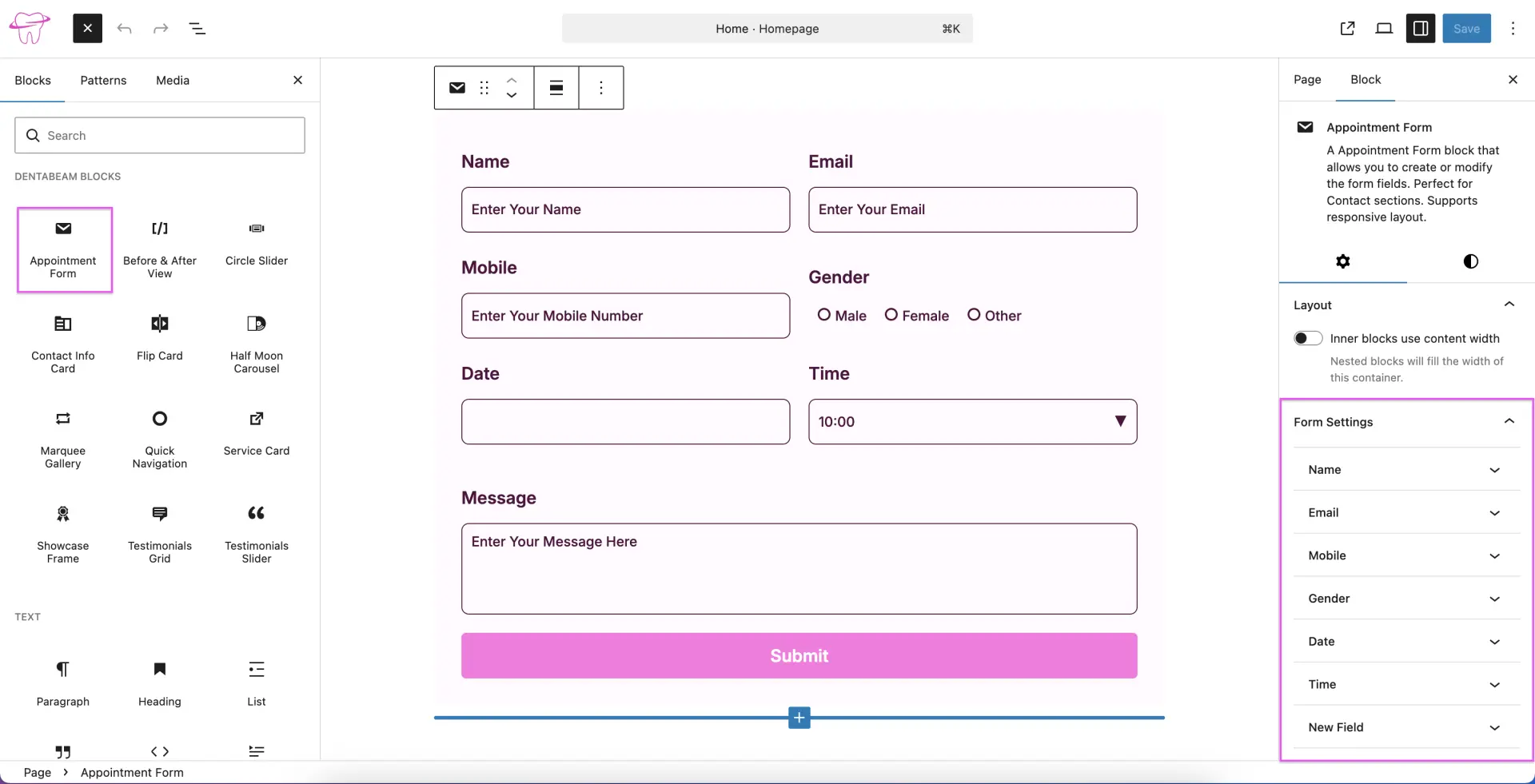
Appointment Form
The Appointment Form block allows you to easily enable or customize form fields directly from the block settings sidebar. It is the perfect solution for your contact sections and is fully optimized for a responsive. Furthermore, the form integrates seamlessly with our secure reCAPTCHA system, ensuring that your patient inquiries remain protected from spam. Check the Security section of this documentation for a guide on enabling reCAPTCHA and entering your required Site and Secret keys.
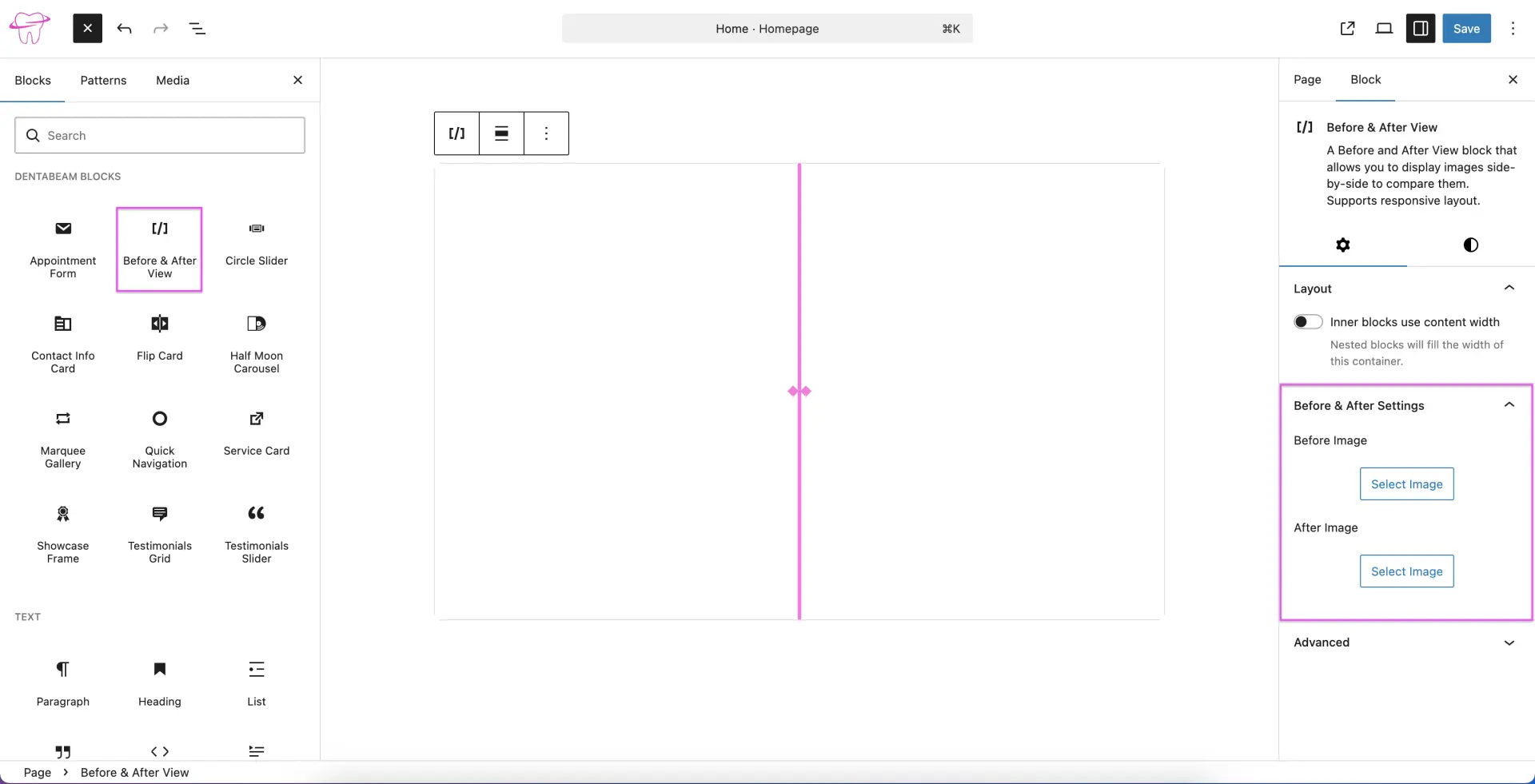
Before & After View
The Before and After View block allows you to display two images side-by-side for easy comparison. This is ideal for showcasing dental treatment results. simply use the block settings sidebar to upload your 'before' and 'after' images. The block is fully responsive, ensuring a consistent viewing experience across all devices.
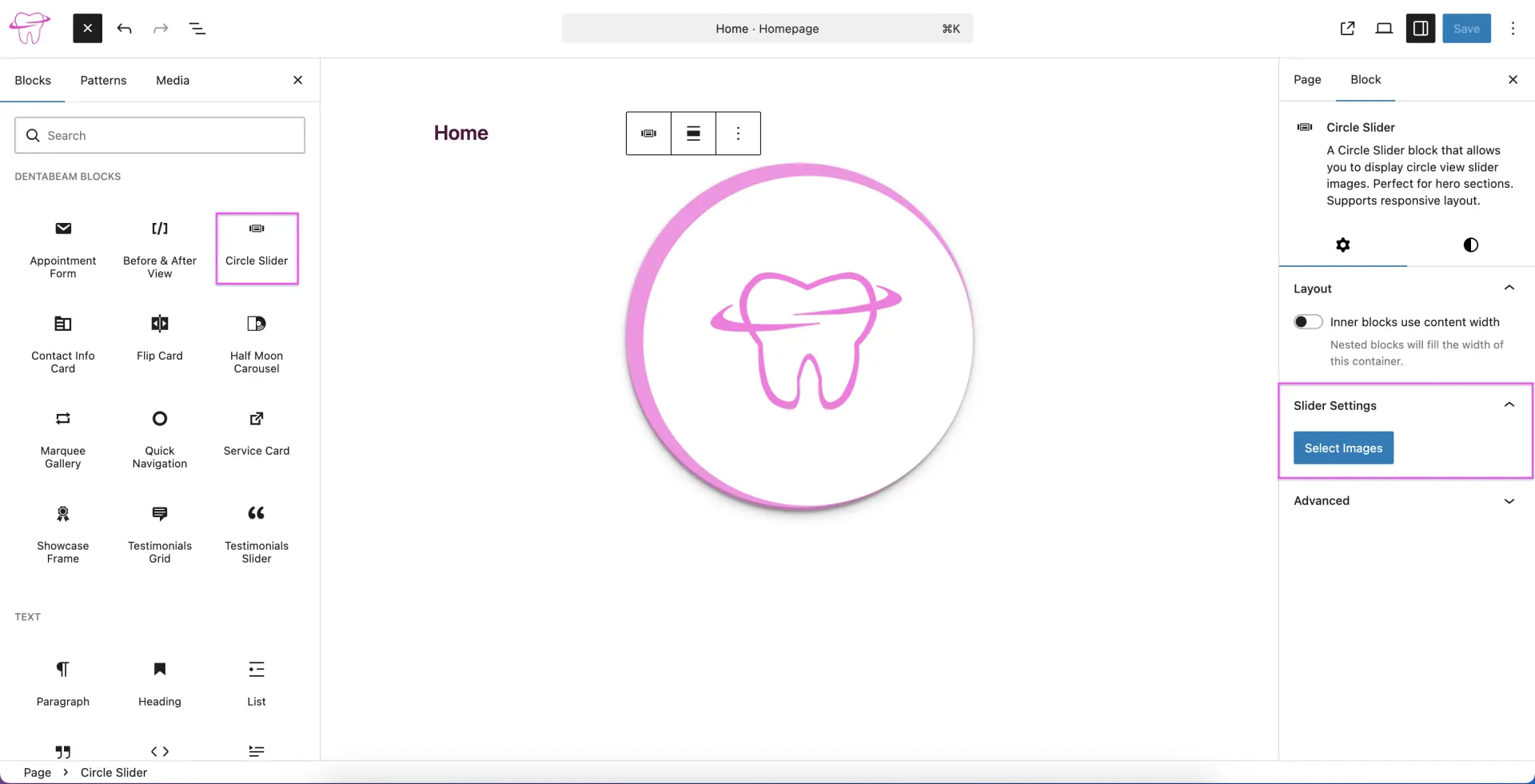
Circle Slider
The Circle Slider block allows you to display images in a unique circular carousel format, making it an excellent choice for eye-catching hero sections. It is fully responsive and easy to manage. simply click the 'Select Images' button in the block settings sidebar to upload and display multiple images.
Contact Info Card
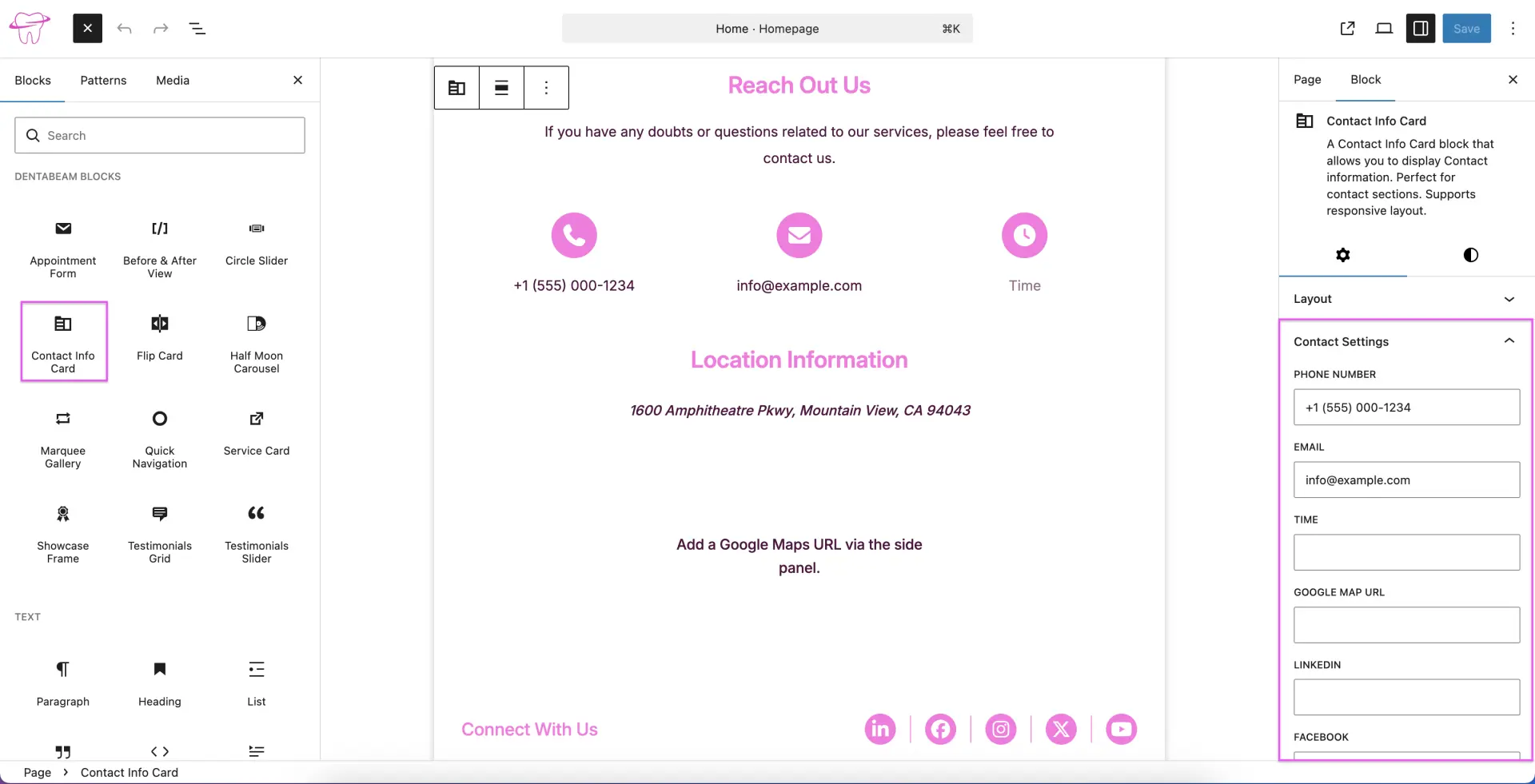
The Contact Info Card block is designed to elegantly display your business details, making it a perfect addition to contact section. This responsive block allows you to easily input your contact information, availability, location, and social media links directly through the block settings sidebar.
Flip Card
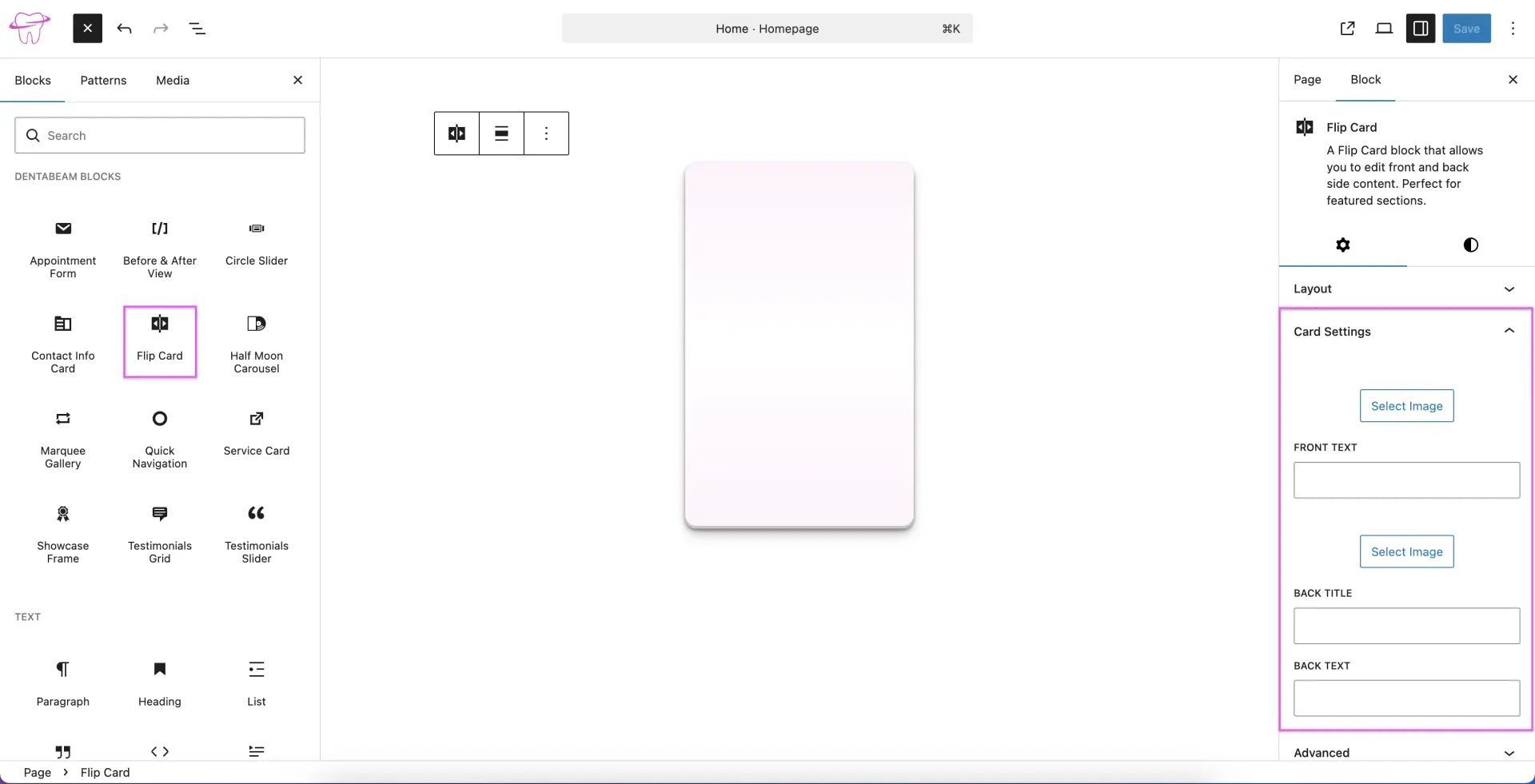
The Flip Card block allows you to display content on both the front and back of a card, making it an excellent choice for feature sections. Using the block settings sidebar, you can easily customize the front-side image and text, as well as the back-side image, title, and description.
Half Moon Carousel
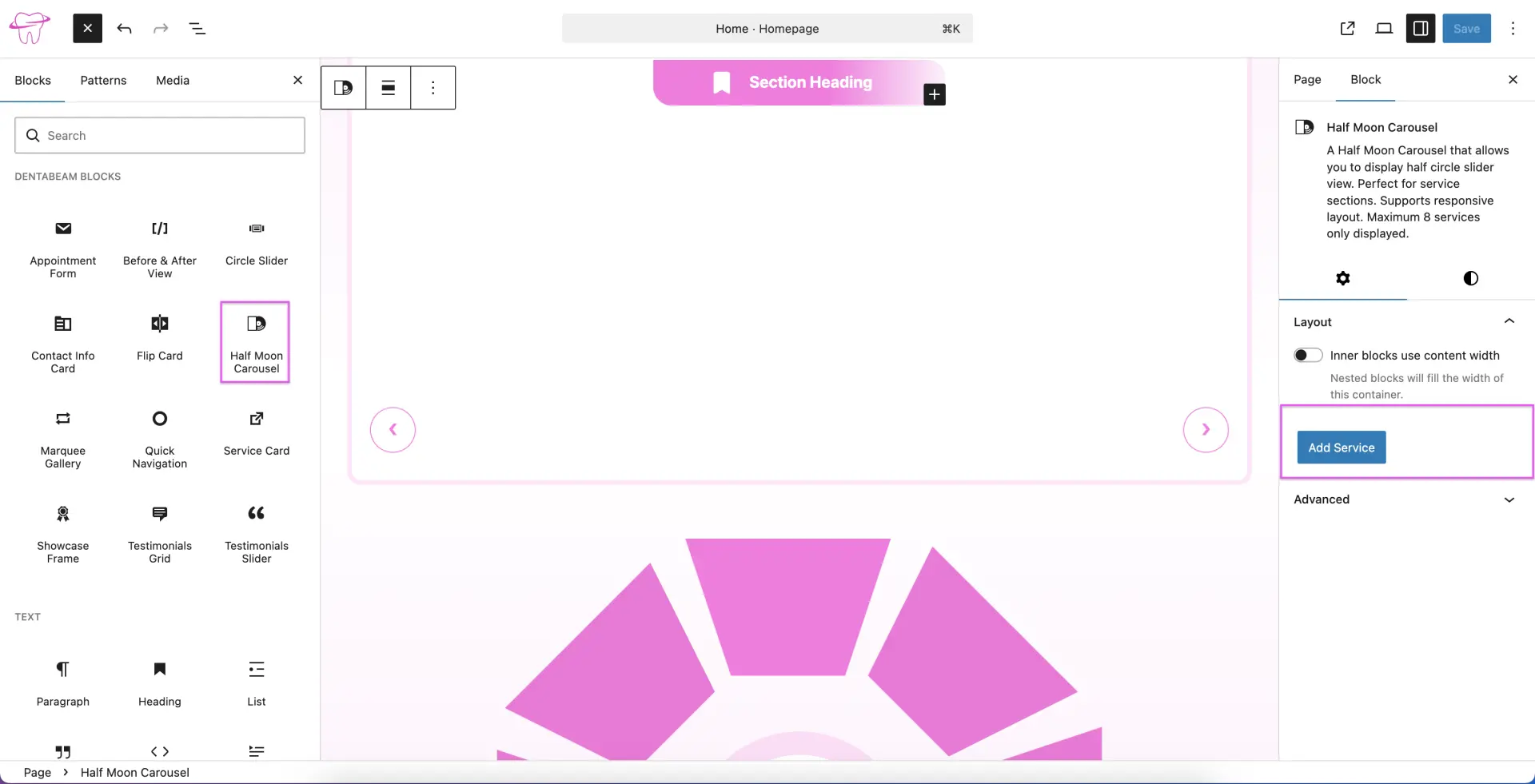
The Half Moon Carousel block features a unique semi-circular layout, making it an ideal choice for showcasing your service offerings. This responsive block supports up to eight services, simply click the 'Add Service' button in the block settings sidebar to input your service details.
Marquee Gallery
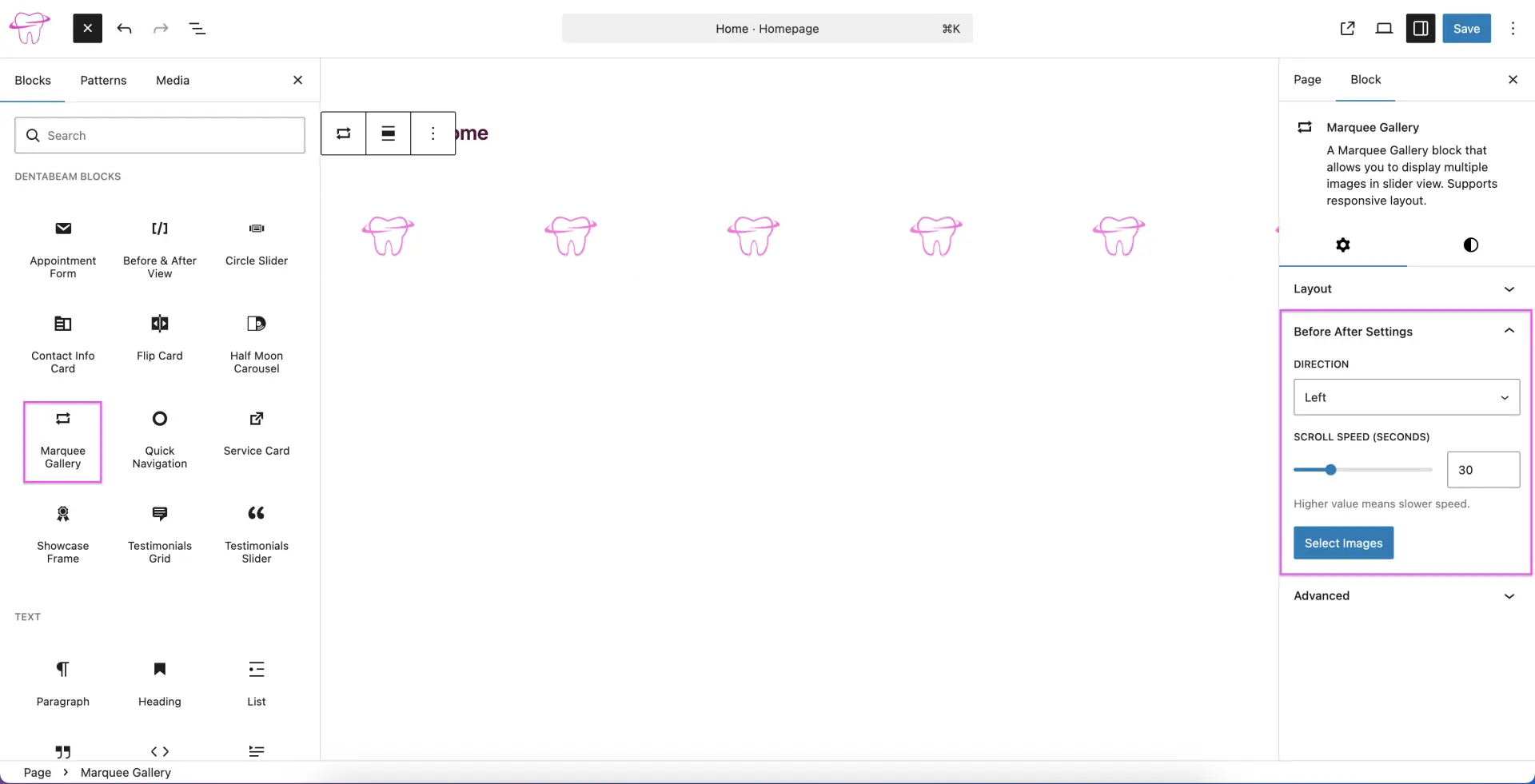
The Marquee Gallery block allows you to display a continuous, sliding gallery of images, making it an excellent choice for a 'Partners' or 'Clients' section. This responsive block lets you select multiple images with ease, while the block settings sidebar provides full control over the animation direction and scroll speed.
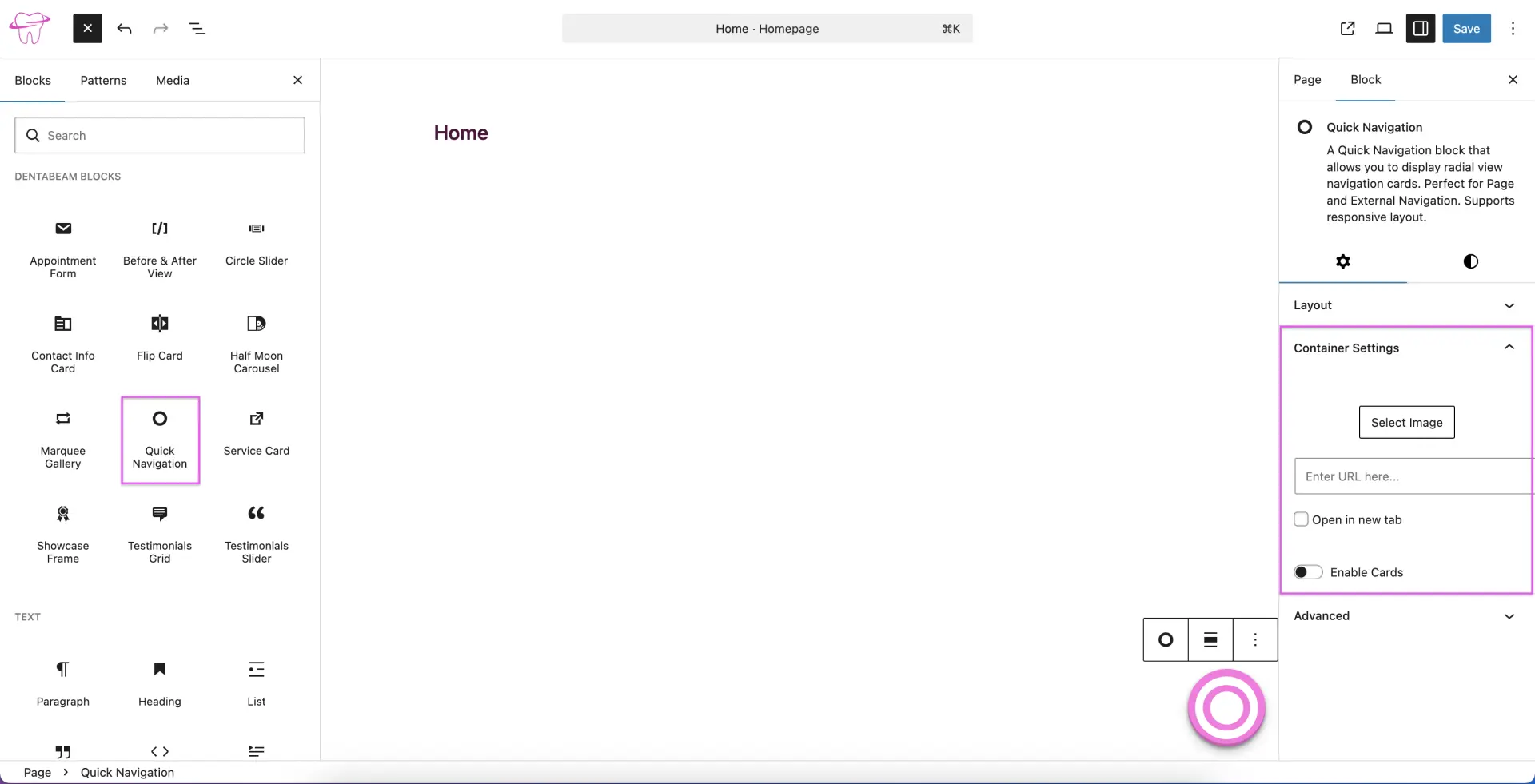
Quick Navigation
The Quick Navigation block provides a unique radial layout for your internal or external links, making it an excellent tool for site navigation. This responsive block allows you to customize the images and links. When enabled cards, you can add up to three navigation cards, which you can easily enable and customize using the block settings sidebar.
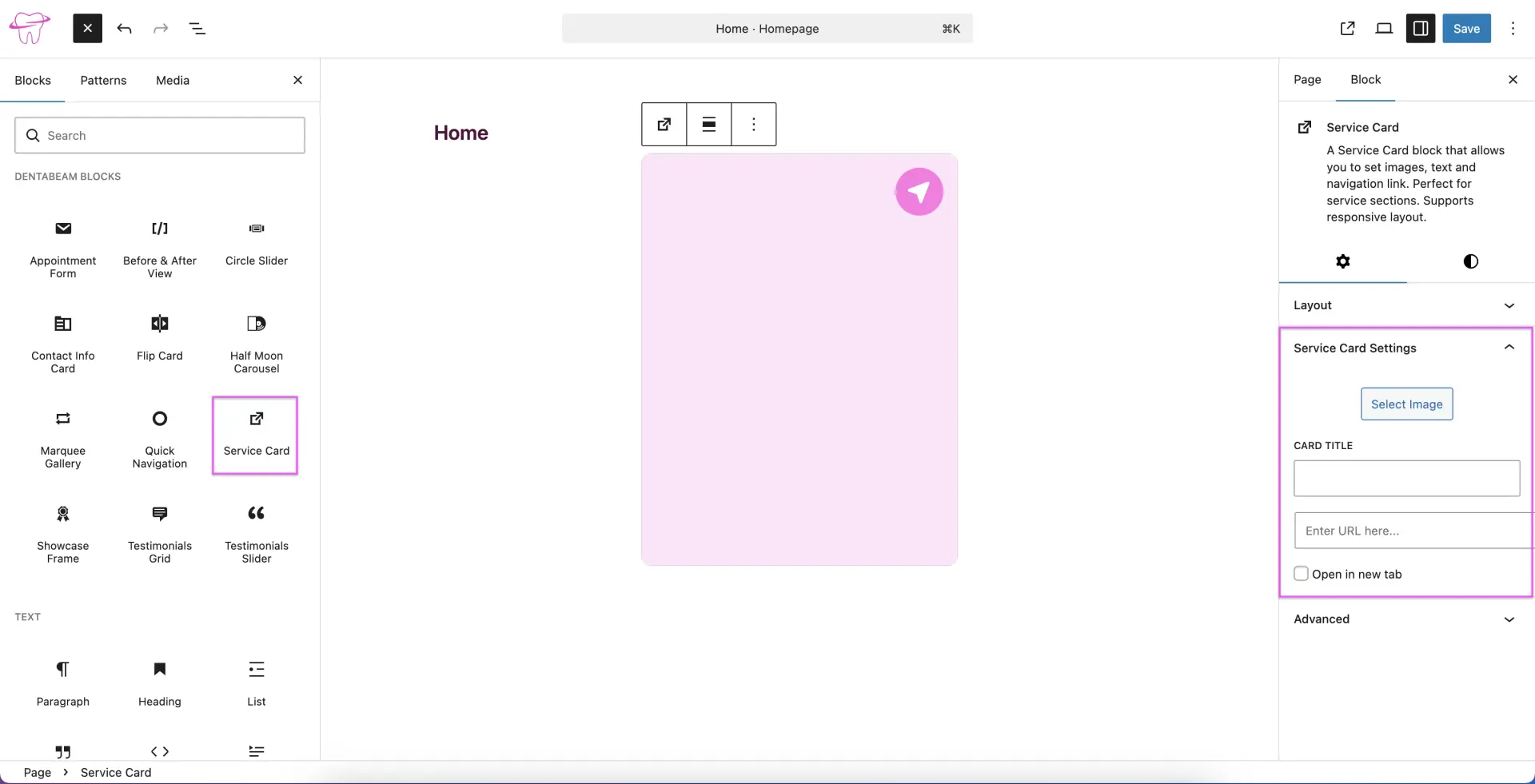
Service Card
Use the Service Card block to display services with custom images, text, and links. This block is fully responsive and offers complete control over your content through the block settings sidebar.
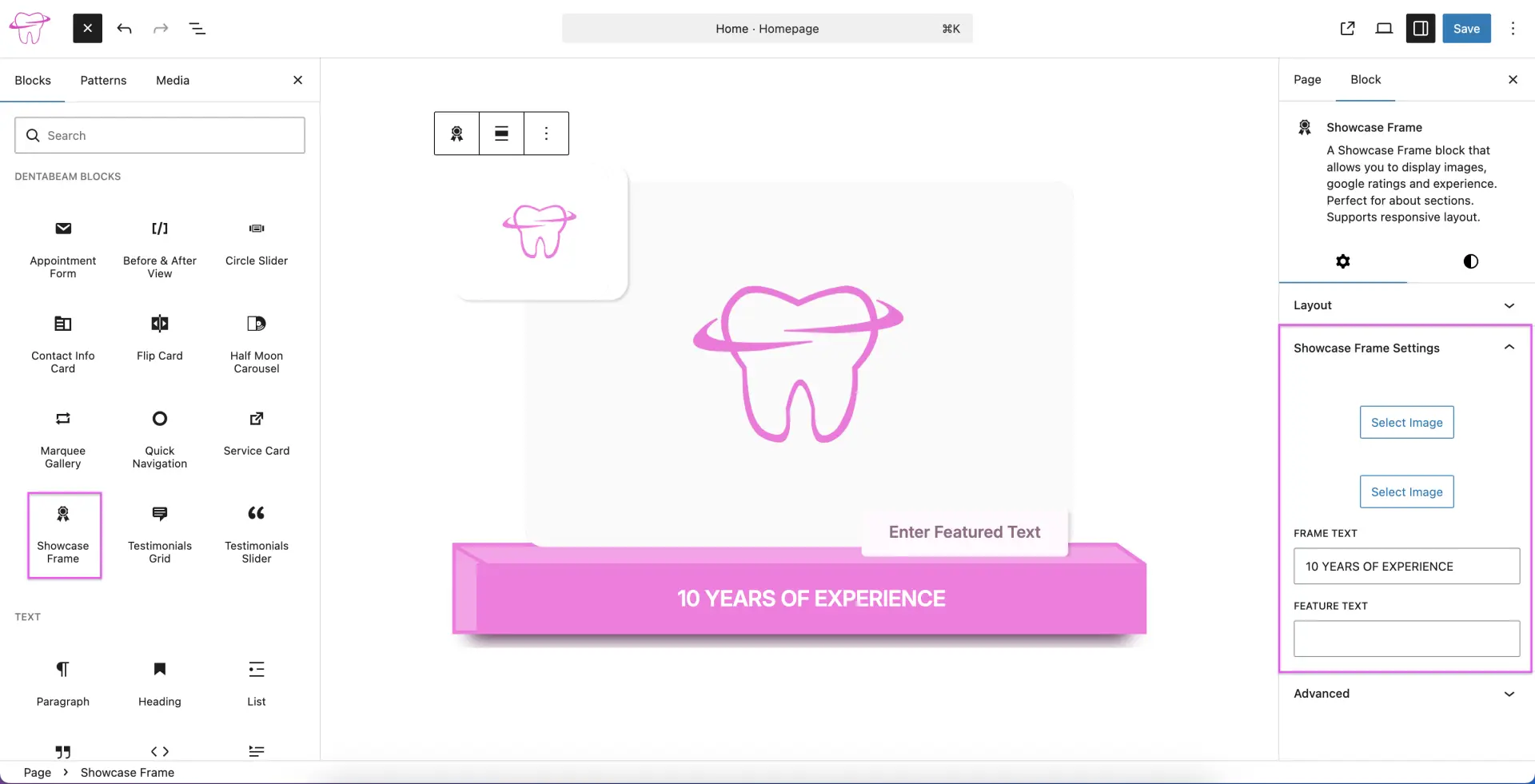
Showcase Frame
The Showcase Frame block allows you to elegantly display a combination of text and imagery. It is perfect for 'About' sections and features a fully responsive layout. All customization options are available in the block settings sidebar.
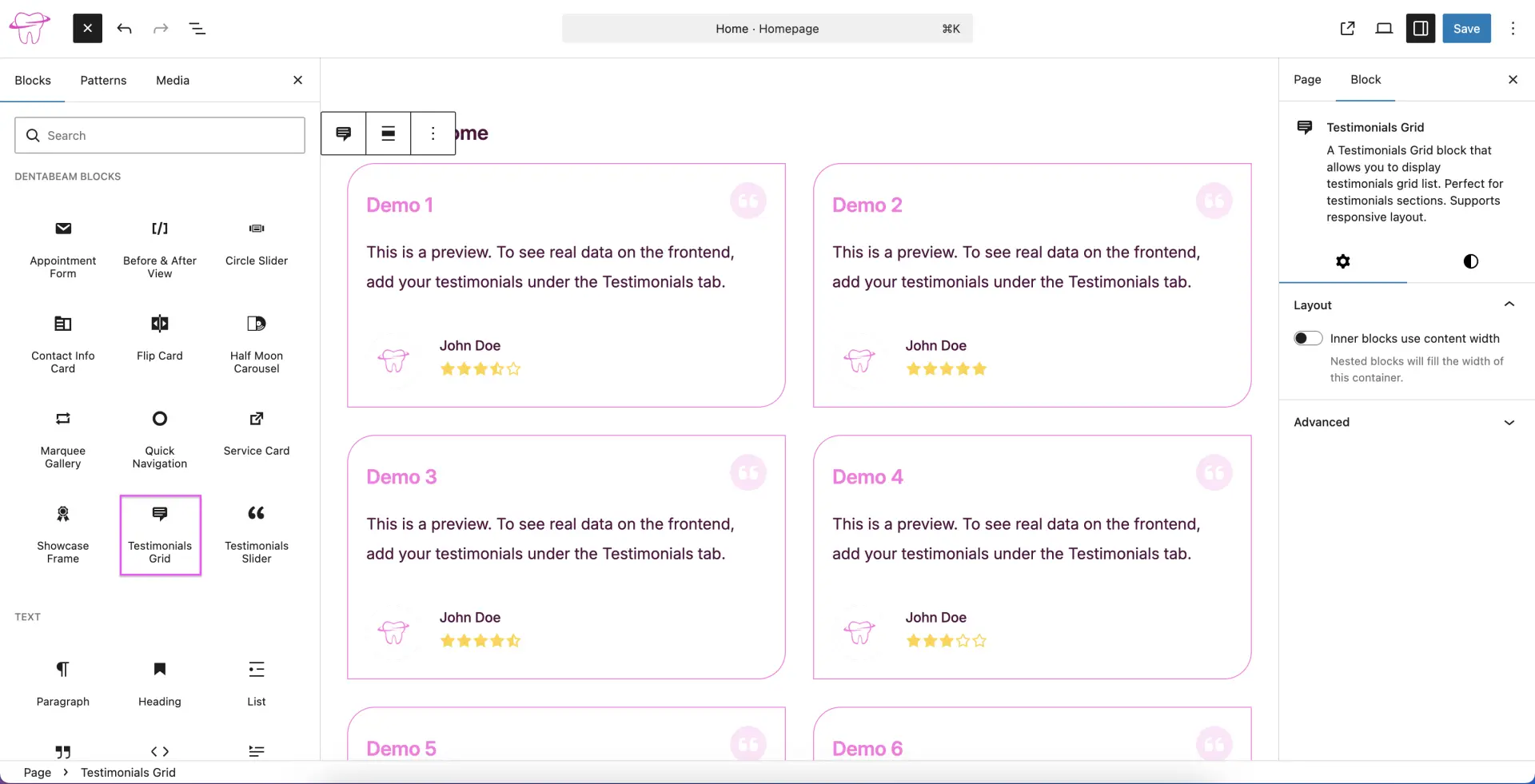
Testimonials Grid
The Testimonials Grid block allows you to display a collection of client reviews in a responsive grid layout, making it perfect for your testimonials section. Please note that this block acts as a display wrapper. you should manage your actual testimonial content via the Testimonials Custom Post Type (CPT) rather than the page editor. For detailed instructions on how to create and manage these entries, please refer to the Testimonials CPT section of our documentation.
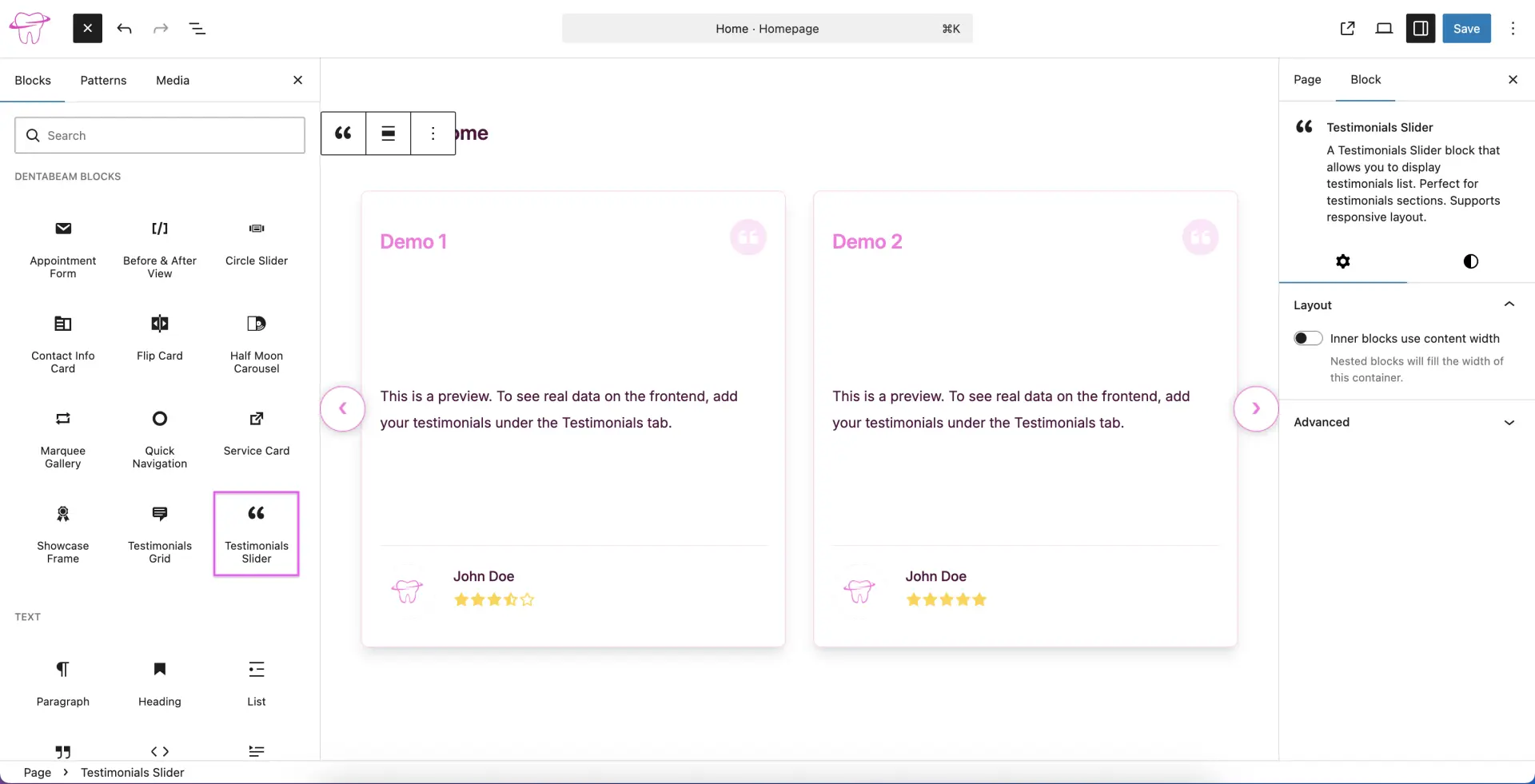
Testimonials Slider
The Testimonials Slider block allows you to showcase client reviews in a dynamic, responsive slider. As this block acts as a display wrapper, please manage your testimonial content via the Testimonials Custom Post Type (CPT) rather than the page editor. For detailed instructions on how to create and manage these entries, please refer to the Testimonials CPT section of our documentation.