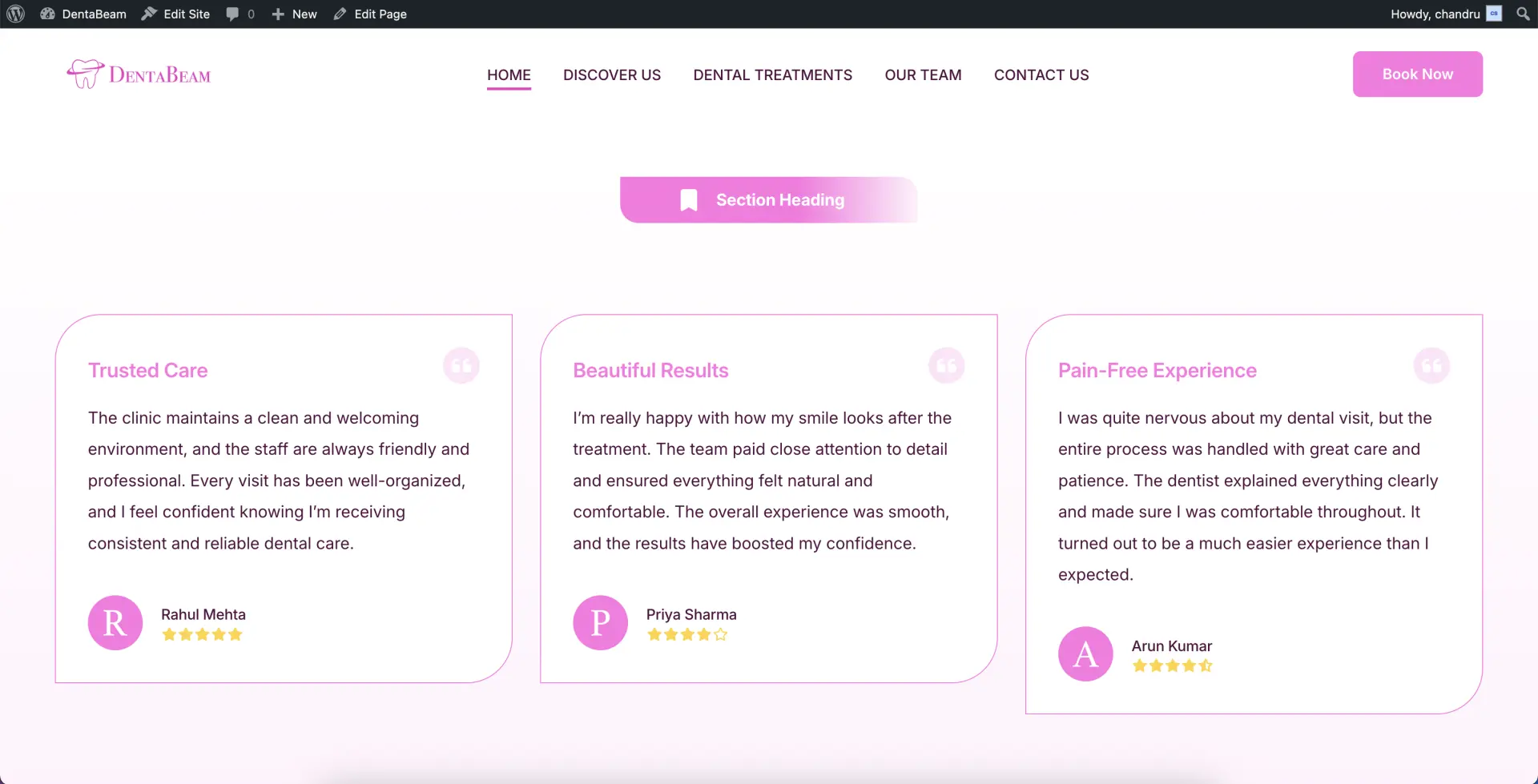
Testimonials CPT
12The Testimonials CPT (Custom Post Type) is built using a modern, block-based architecture. To streamline your workflow, we have included predefined templates that allow you to enter client feedback quickly and maintain a consistent layout without manual formatting.
Creating Testimonials
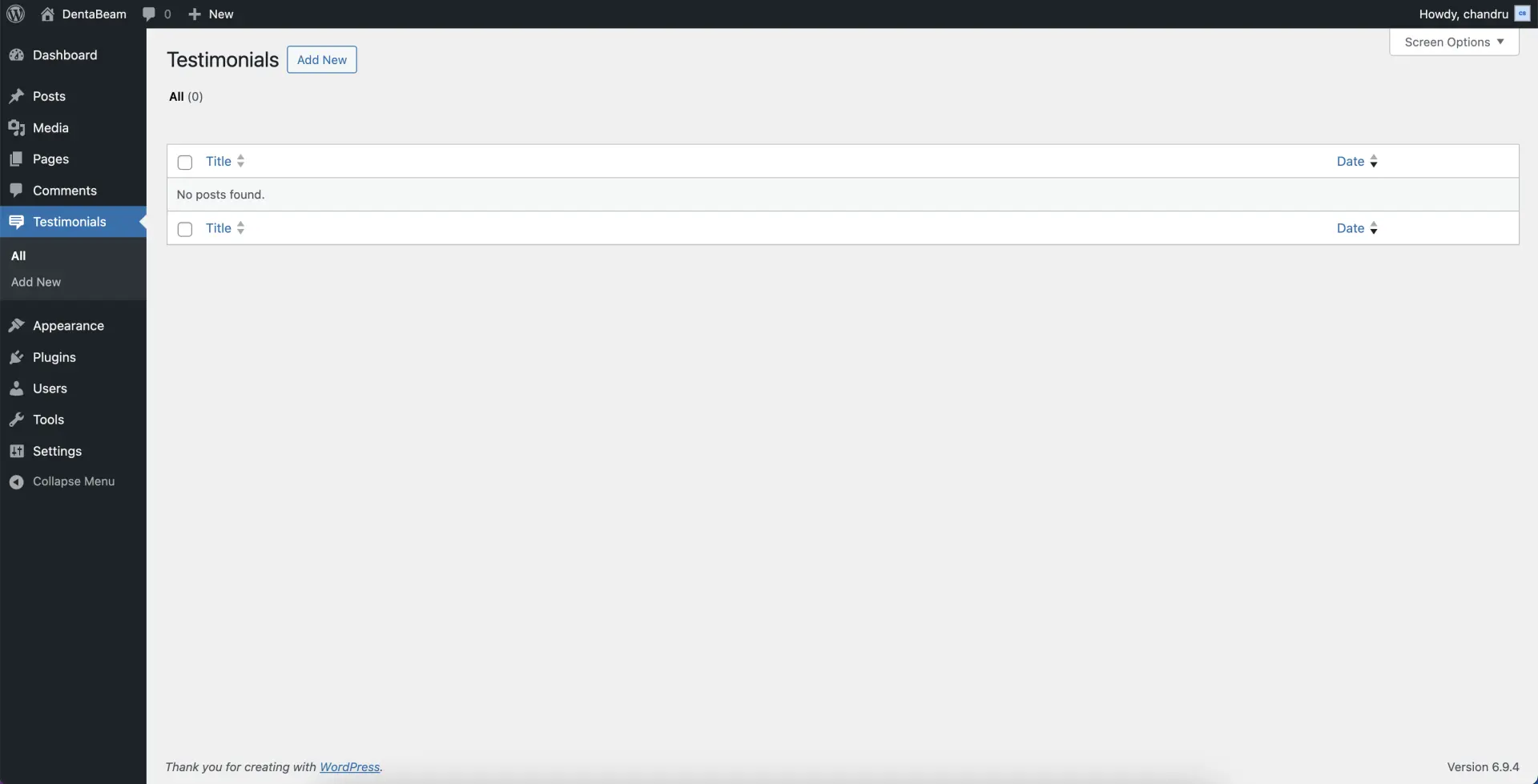
Navigate to Testimonials
Go to Testimonials → Add New. This will open the testimonial editor, where you can create and customize your content using the built-in block tools.
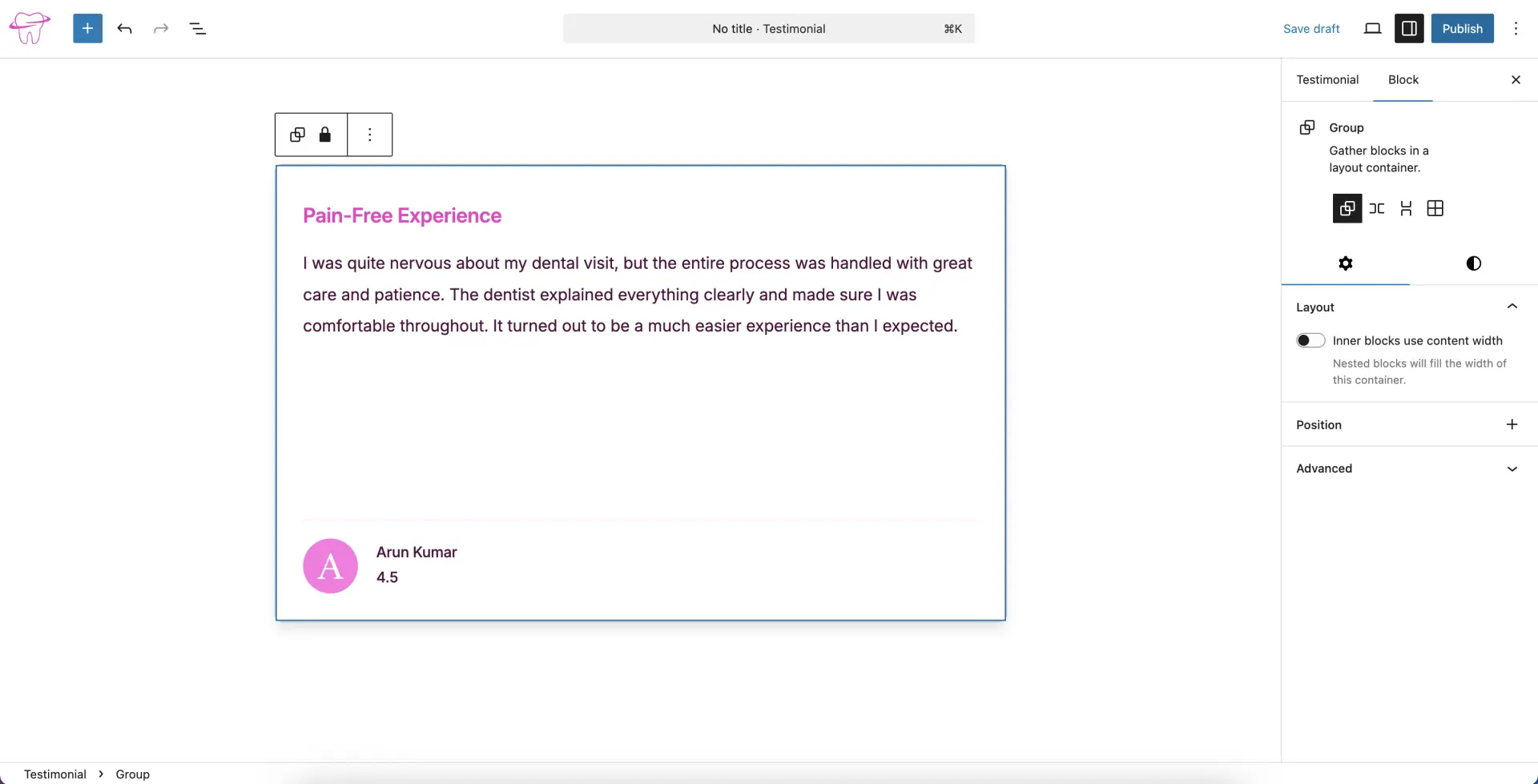
Add and Publish Content
Once the editor is open, input your details into the provided testimonial template. When you are satisfied with the content, click the Publish button to save your entry.
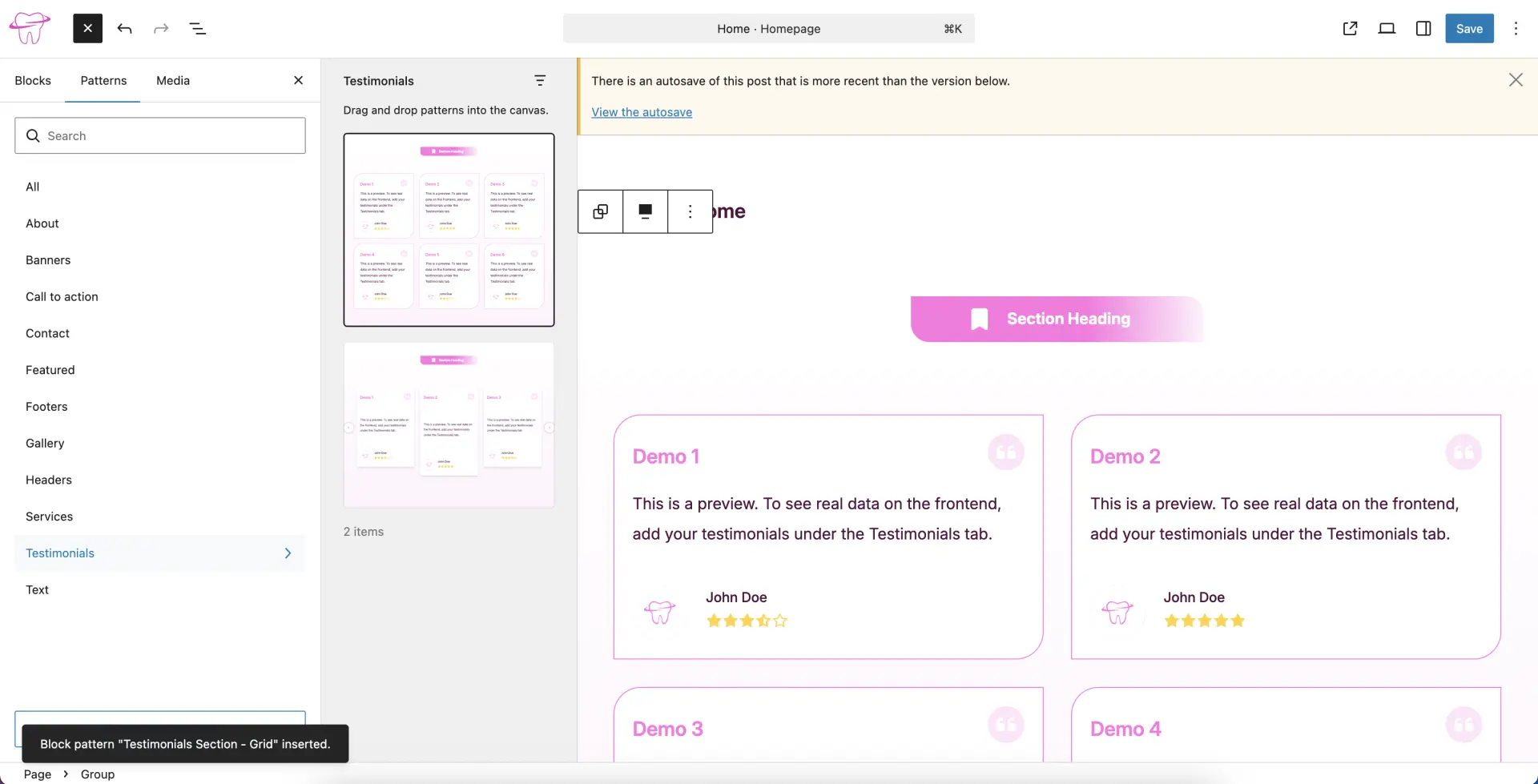
Insert Testimonial Blocks or Patterns
Navigate to the specific page or location where you want the testimonials to appear. Insert a Testimonials Block or one of the pre-designed Testimonials Patterns.
View the Final Results
Visit the live page where you added the block or pattern. Your real testimonial content will now be automatically pulled from the CPT and displayed in the layout.