Templates & Parts
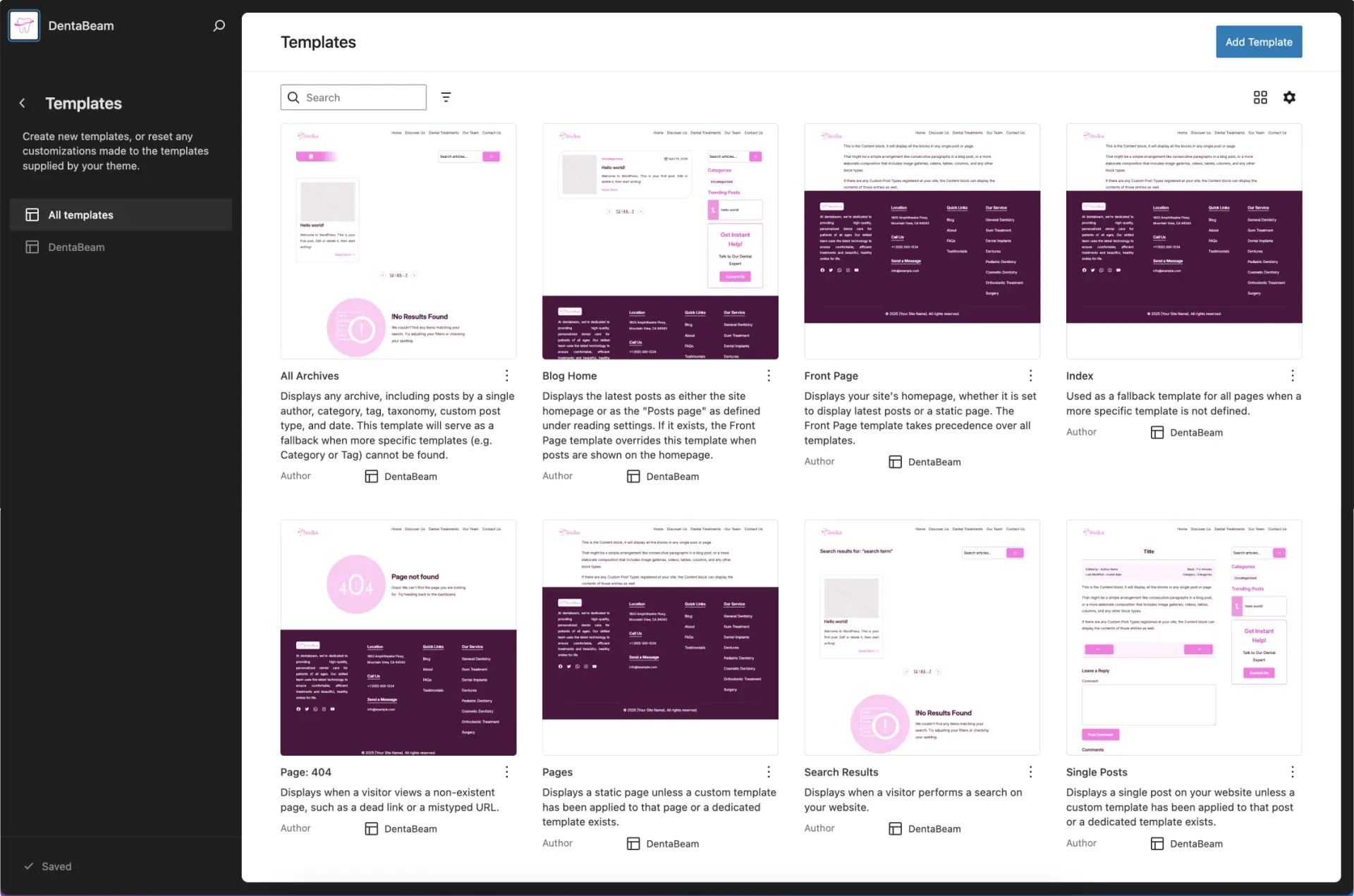
06Templates define the layout structure for specific content types across your site, such as your Homepage, single Blog Posts, or Archive pages. By editing a template, you globally update the layout for all pages that use it. Template Parts are reusable structural elements like your Header, Footer, or Sidebar that can be placed within multiple templates. When you edit a Template Part, those changes are automatically applied everywhere that part is used, ensuring consistency across your entire website.
DentaBeam templates (see screenshot below).
DentaBeam Parts
Header
The screenshot below displays the 'Header' Part. To replace the site title with a logo, click on the site title when the toolbar appears, you can select 'Site Logo' to upload your image.

Footer
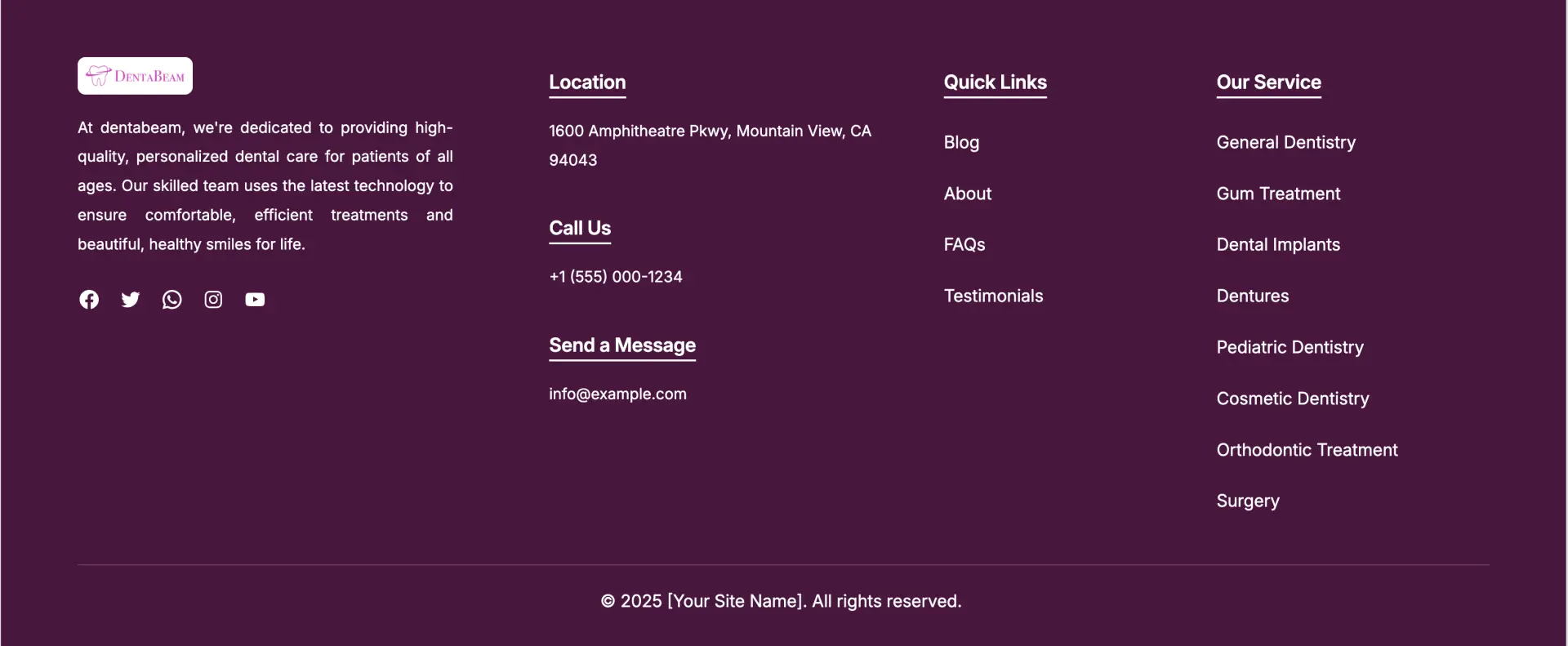
The screenshot below displays the 'Footer' Part. You can customize the site name, site info, social links, and contact information, as well as configure your footer navigation menus here.
Sidebar
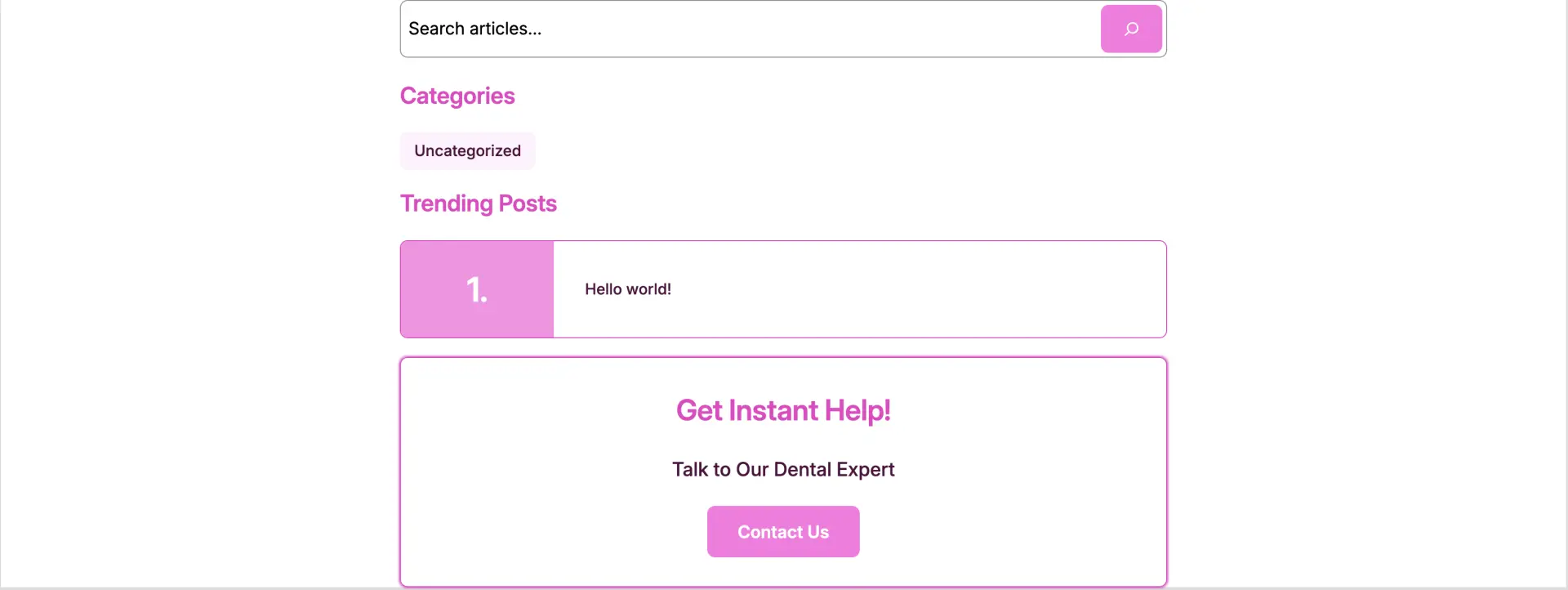
The screenshot below displays the 'Sidebar' Part. This template part is used across your Blog Home and Single Post templates.
The parts mentioned above are included with the theme. The core plugin also contains additional parts Click here