Navigation
05Use the Navigation panel in the Site Editor to customize your site's menu. Add, remove, or reorder links to create an intuitive experience for your visitors.
Creating a New Navigation Menu
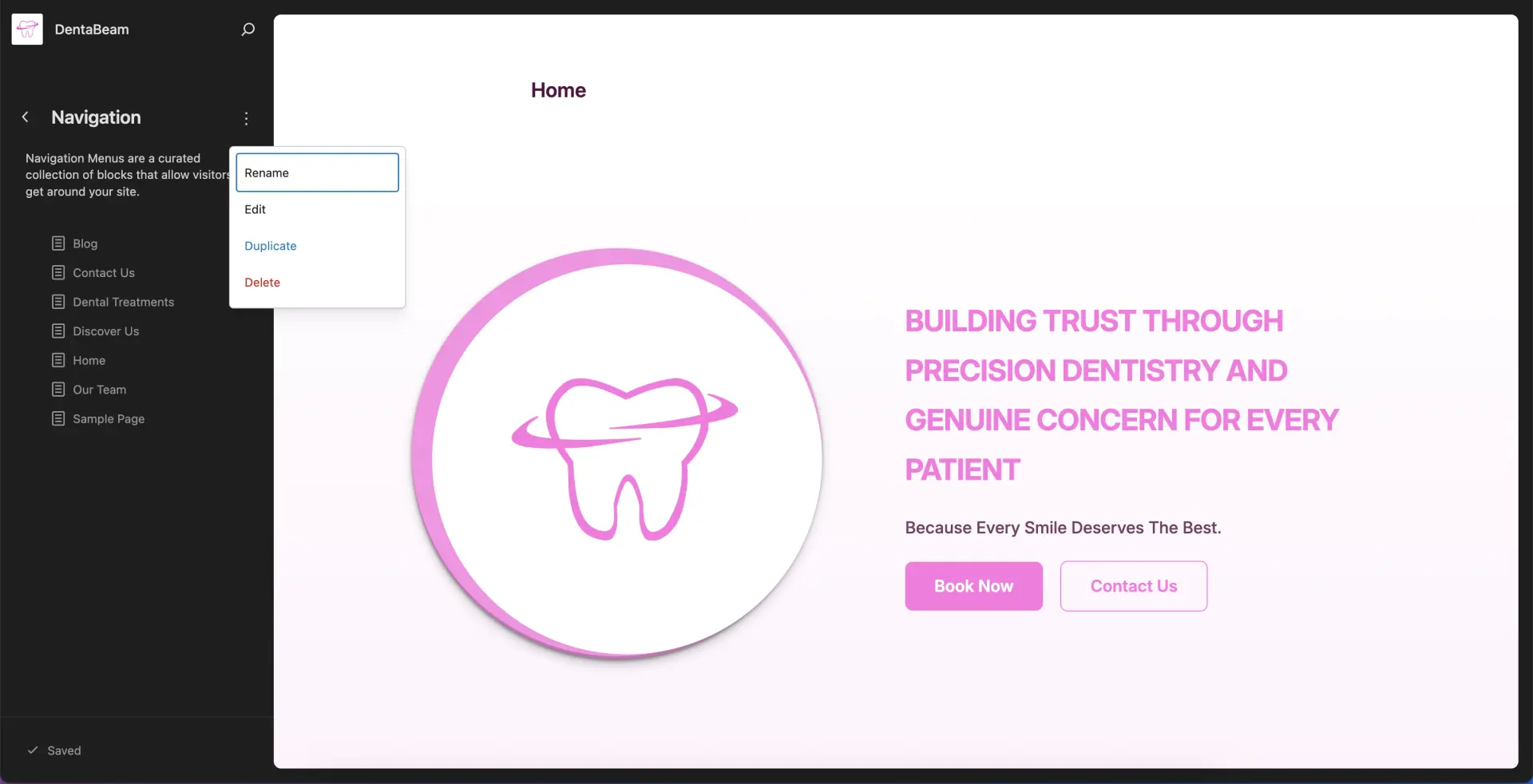
Go to Navigation → Navigation
To create a new menu, select an existing menu and choose Duplicate. This creates a copy that you can edit without affecting your original menu.
Renaming Your Navigation Menu
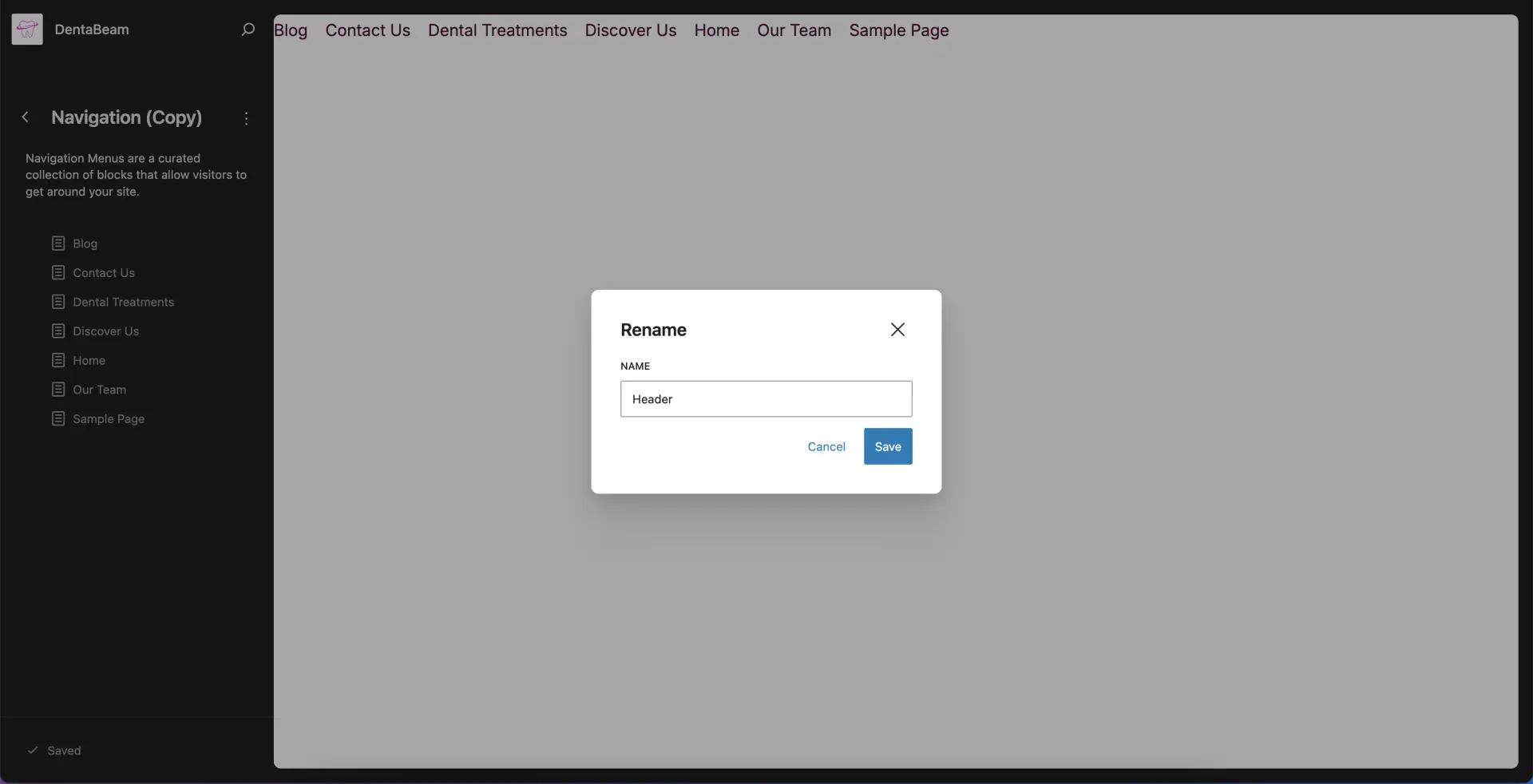
Assign a descriptive name to your new menu. This makes it easier to identify when selecting and managing menus across different areas of your site.
Arrange your Navigation
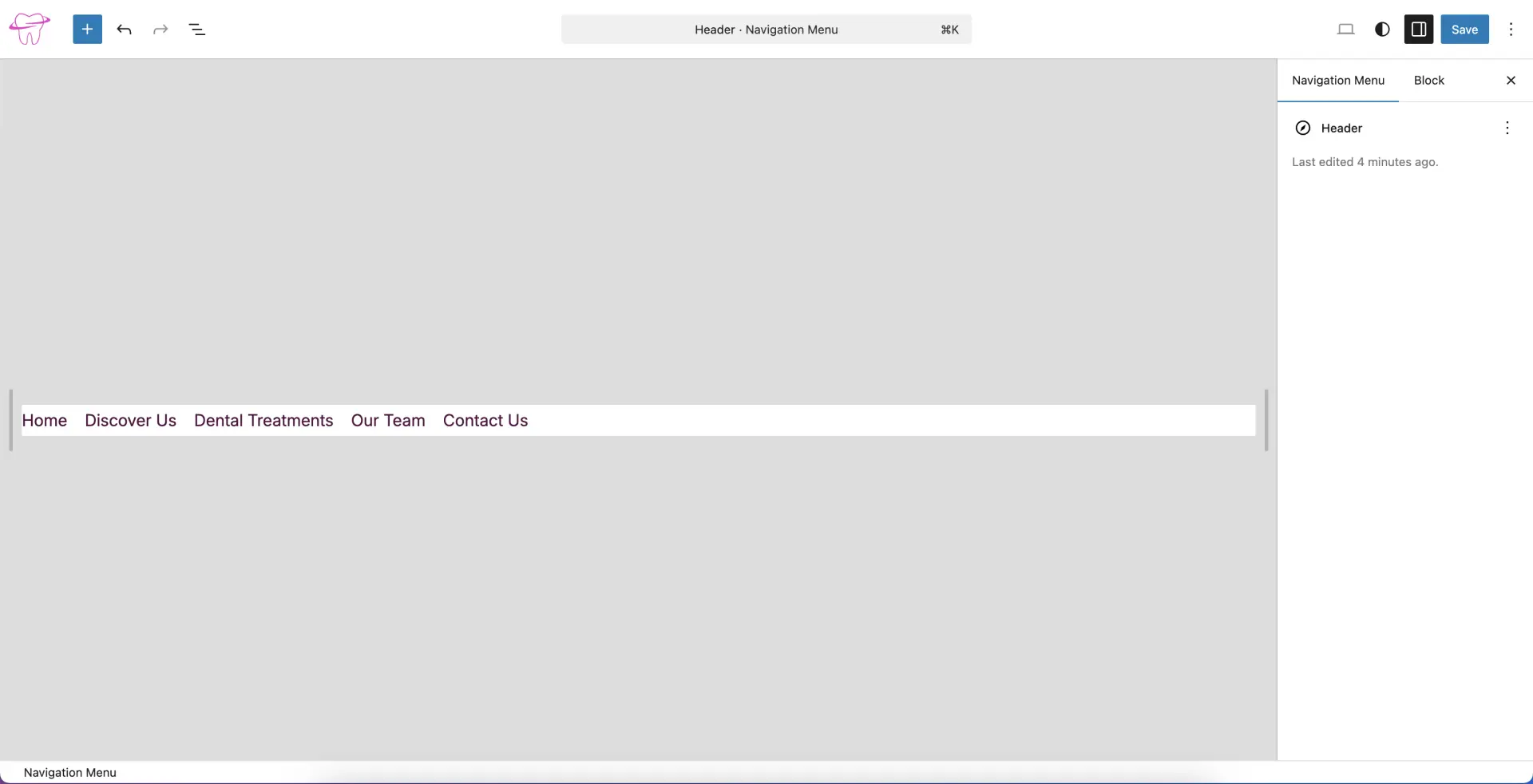
Arrange your menu items to suit the layout of the specific area where the menu is placed (e.g., Header or Footer).
Setup Navigation Menu
Open the Index Template
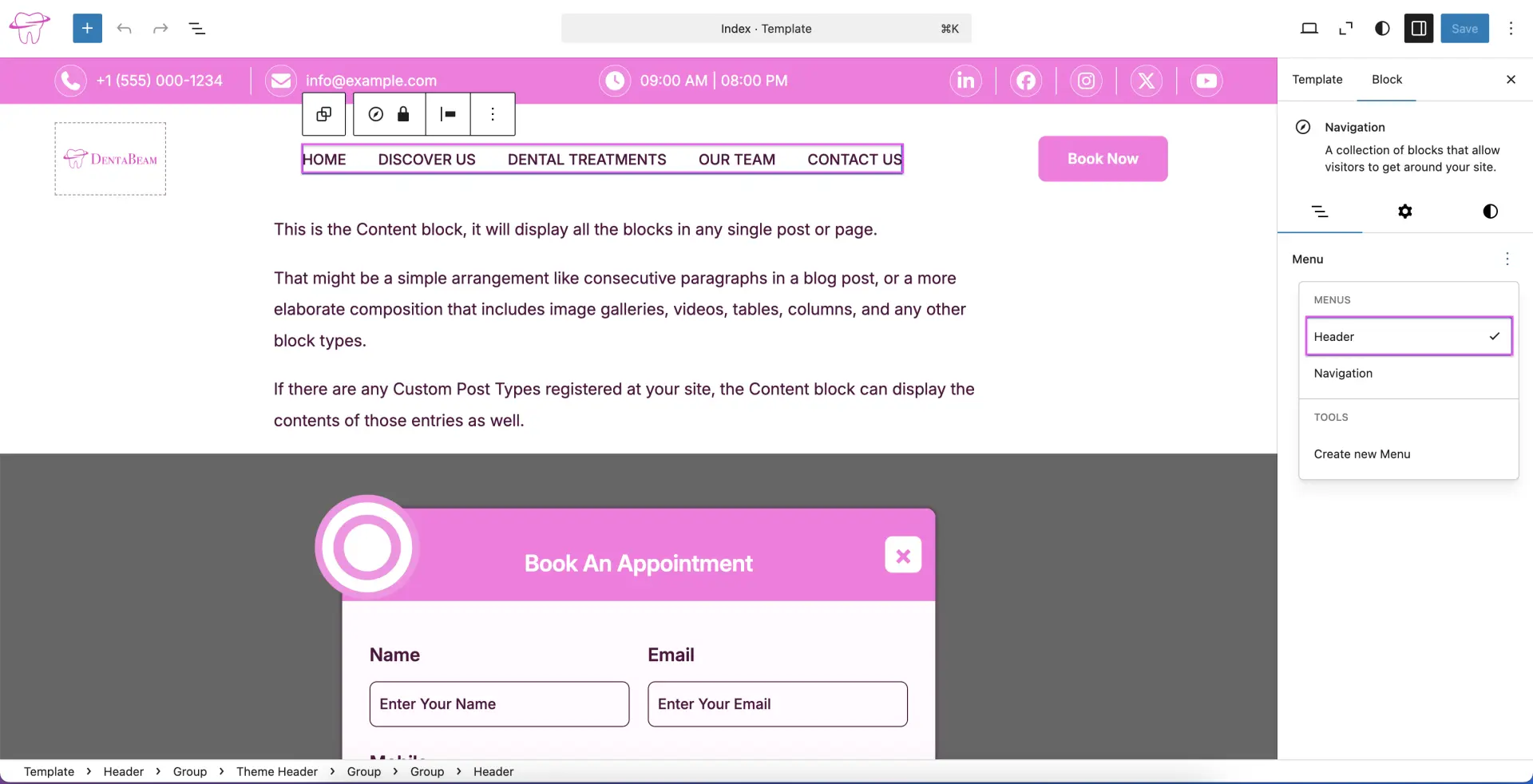
Go to Templates → Index. Select the area where you want to add a navigation menu (such as the Header) or select an existing navigation block.
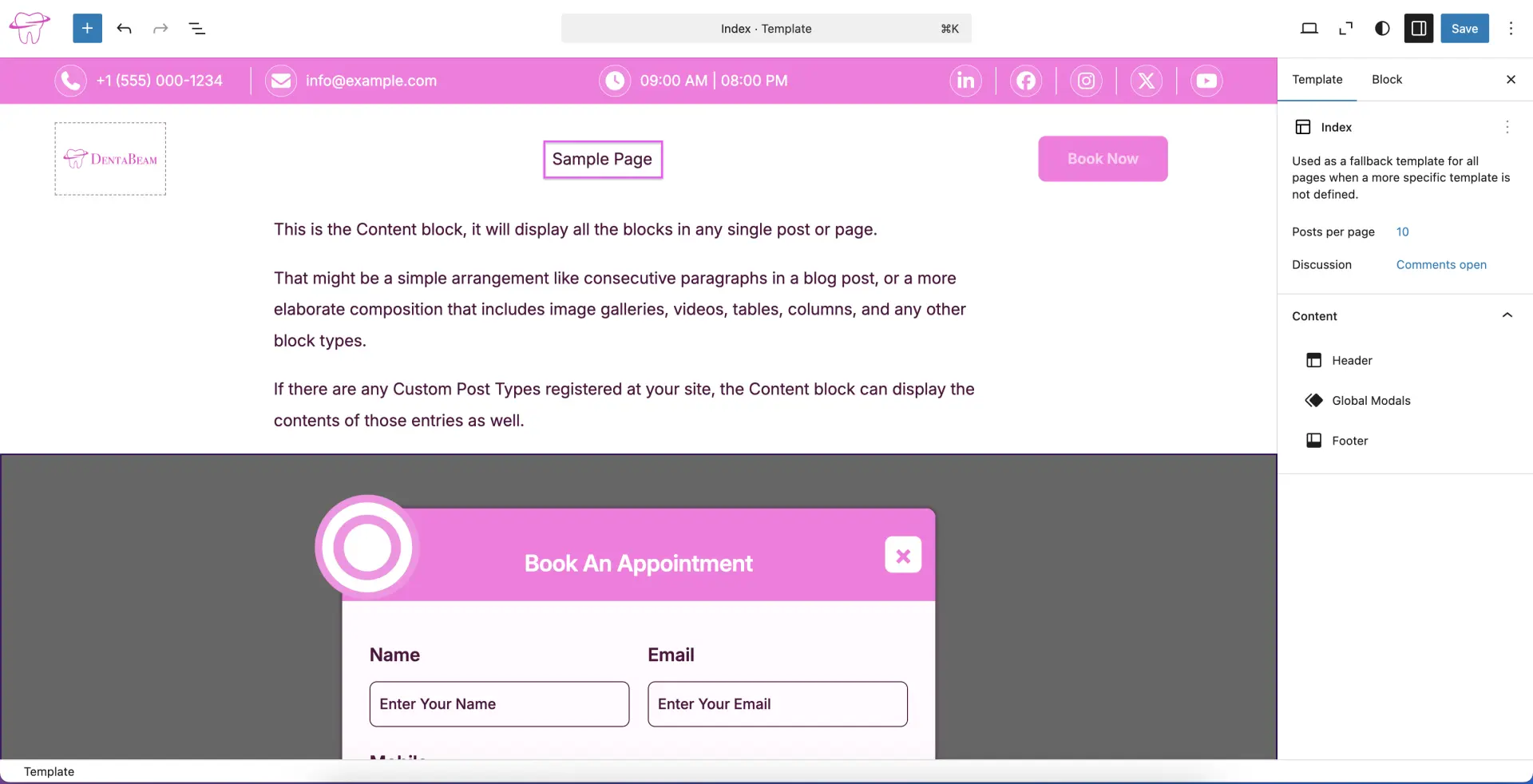
Select Your Menu
In the sidebar, click the three-dot menu (options) next to the Menu selection. From there, choose your preferred menu from the list and click the Save button to apply the changes to your navigation.