Styles
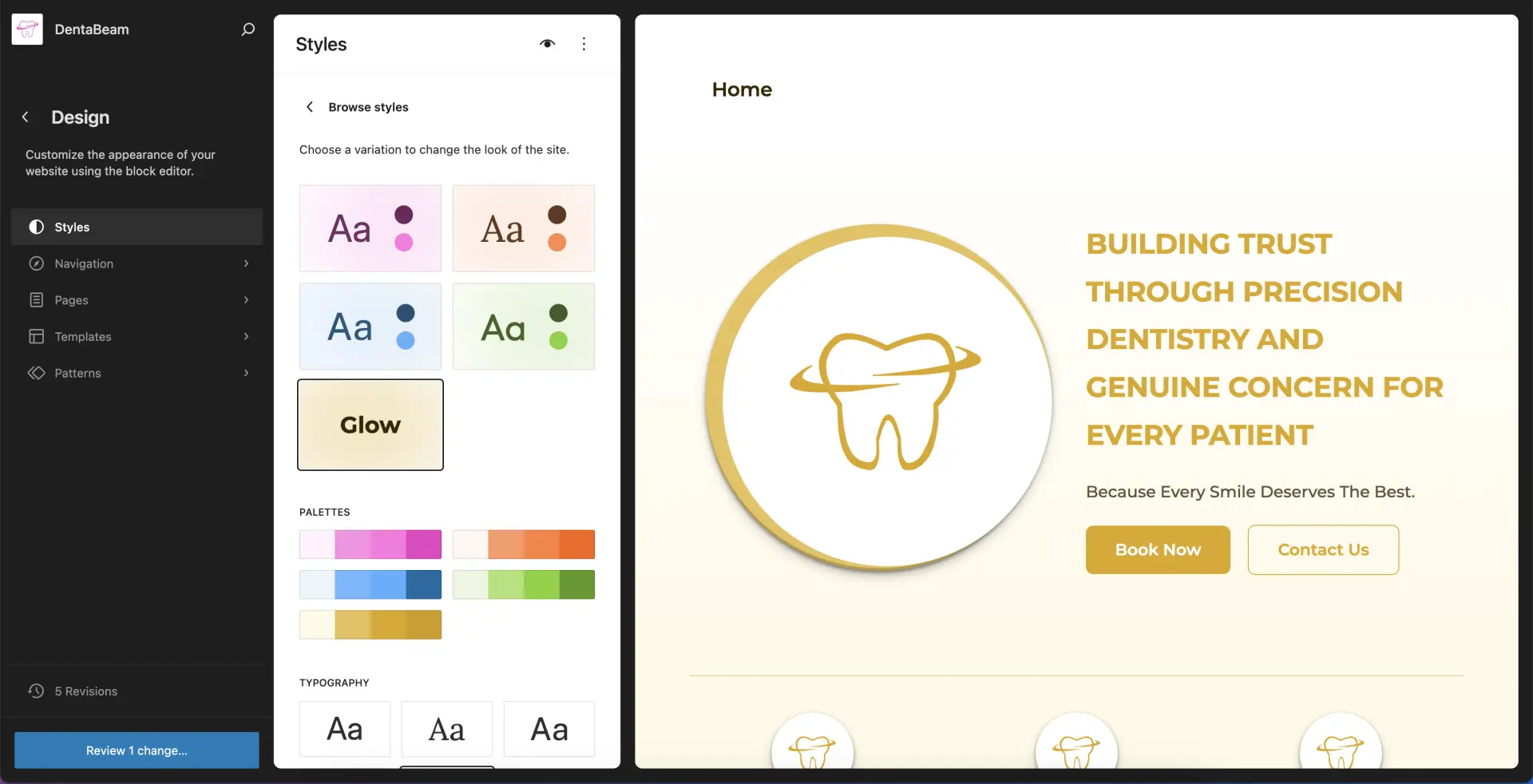
04DentaBeam includes four distinct style variations. You can select the base style that best fits your brand, then further customize its color palette and typography.
Choose a style for your site
1
Go to Styles → Browse Styles
Select one of the available style variations. This will automatically update your site’s color palette and typography.
2
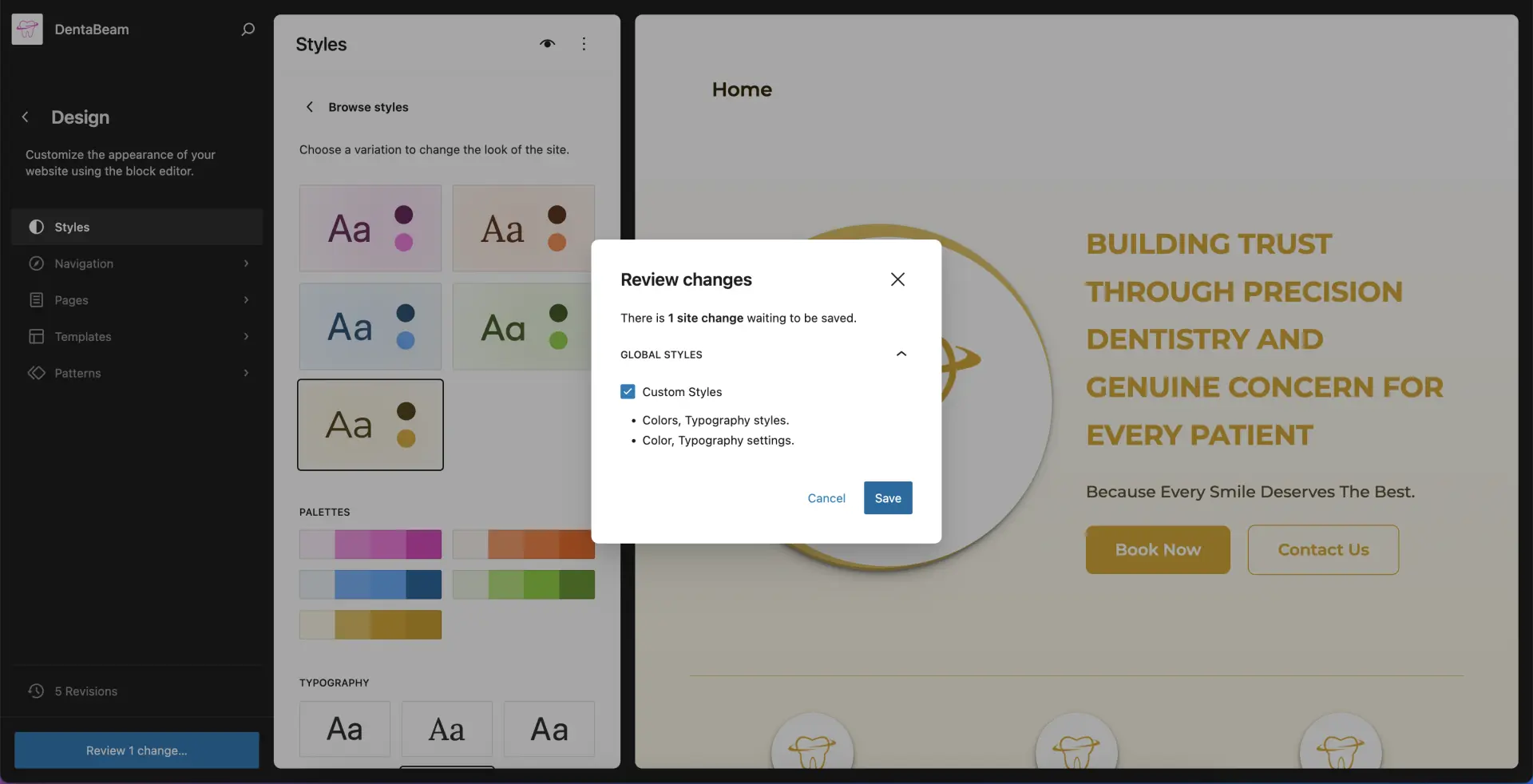
Save your changes
Click Save in the side panel to apply your chosen variation. Once saved, the new styles will be applied across your entire site.
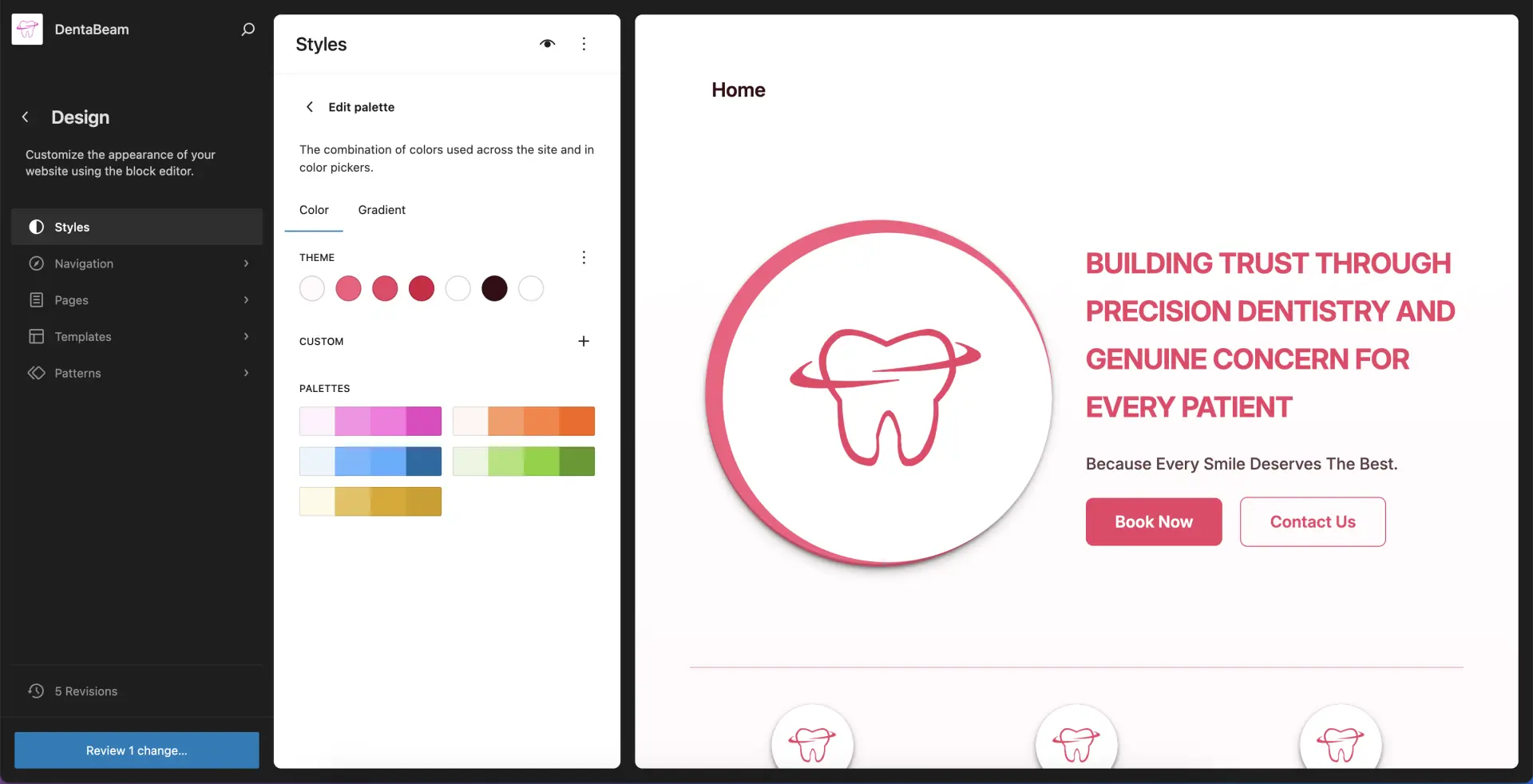
To customize your site with your own brand colors, go to Styles → Colors and edit the palette. Remember to save your changes.